Most quick fixes — like a low-battery beep or a sensor showing a fault — you can handle in a couple of minutes. Find your device by its model number (printed on a small sticker inside the sensor cover or on the back of the device) and open its guide below. Still stuck? Contact us or call (718) 698-8244 and we'll walk you through it.
Quick How-Tos
The most common things customers call about. Tap any question to see the steps.
Stop the keypad beeping & reset your system after a low battery
After you've replaced a sensor battery (or to clear a low-battery message), reset the panel:
- Make sure the sensor cover is fully closed and clicked shut.
- At your keypad, enter your 4-digit code and press OFF — then enter your code and press OFF again. (Code + OFF, Code + OFF.)
- The beeping stops and the low-battery message clears from the display. Your system is ready to use again.
Change a sensor battery
Battery steps are slightly different for each device. Look for the photo of your model in the Find Your Device section below and follow the steps in its guide — each one shows exactly how to open the cover, which battery it takes, and how to close it back up.
Test your system with central station
We recommend testing your system monthly so you know every signal reaches our monitoring center. Because testing puts your account on test mode, please do it with us on the line:
- Call our Central Station at (718) 494-6414 and tell them you'd like to place your system on test.
- Arm your system, then trip a door, window, or motion sensor so a signal is sent.
- Confirm with the operator that each signal came through, then disarm. They'll take your system off test.
Add or change a user code
User codes are set up differently depending on your panel, and we keep this secure to protect your account. The fastest, safest way is to let us help:
- Call us at (718) 698-8244 during business hours.
- We'll verify your identity, then walk you through adding, changing, or deleting a code on your specific keypad.
Find Your Device
Search by model number (e.g. 5816) or device type to open a battery-replacement guide for your sensor.
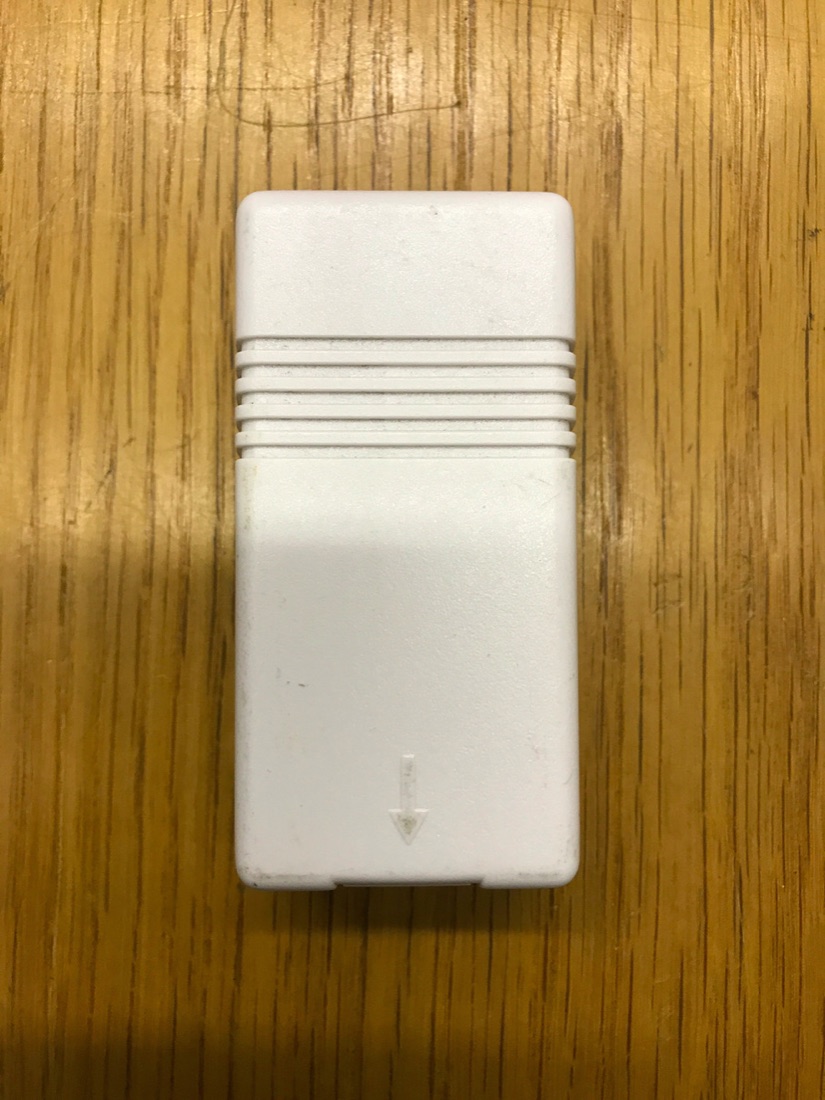 5816
5816
Door / Window Sensor
The most common wireless door/window contact. Battery swap & reset.
CR123A Open Guide (PDF)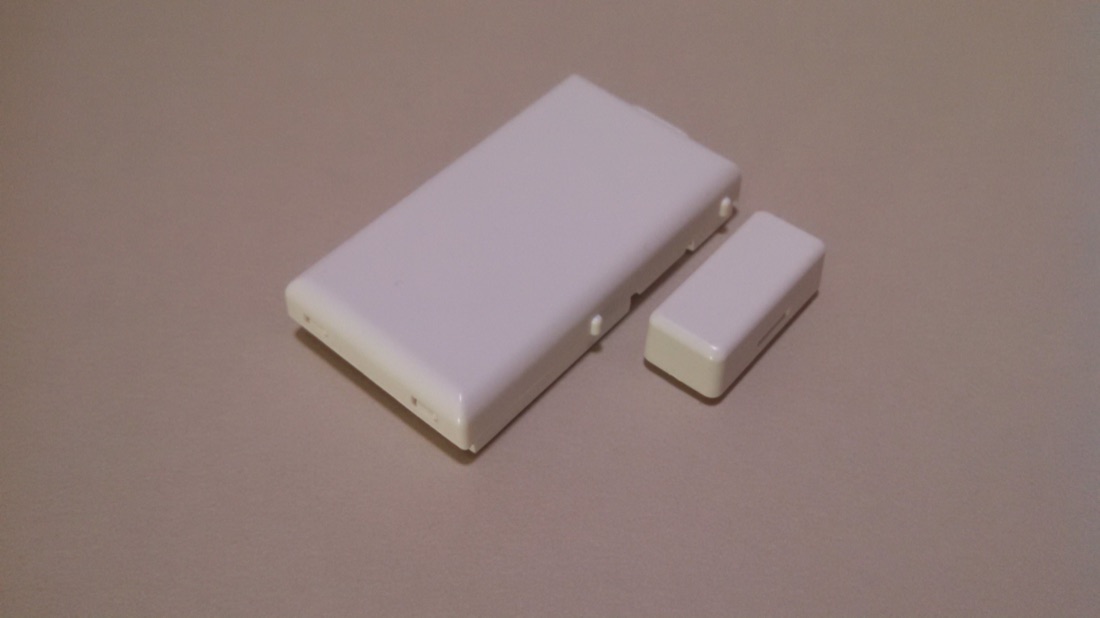 5811
5811
Door / Window Sensor
Slim two-piece wireless contact for doors & windows.
CR2032 Open Guide (PDF)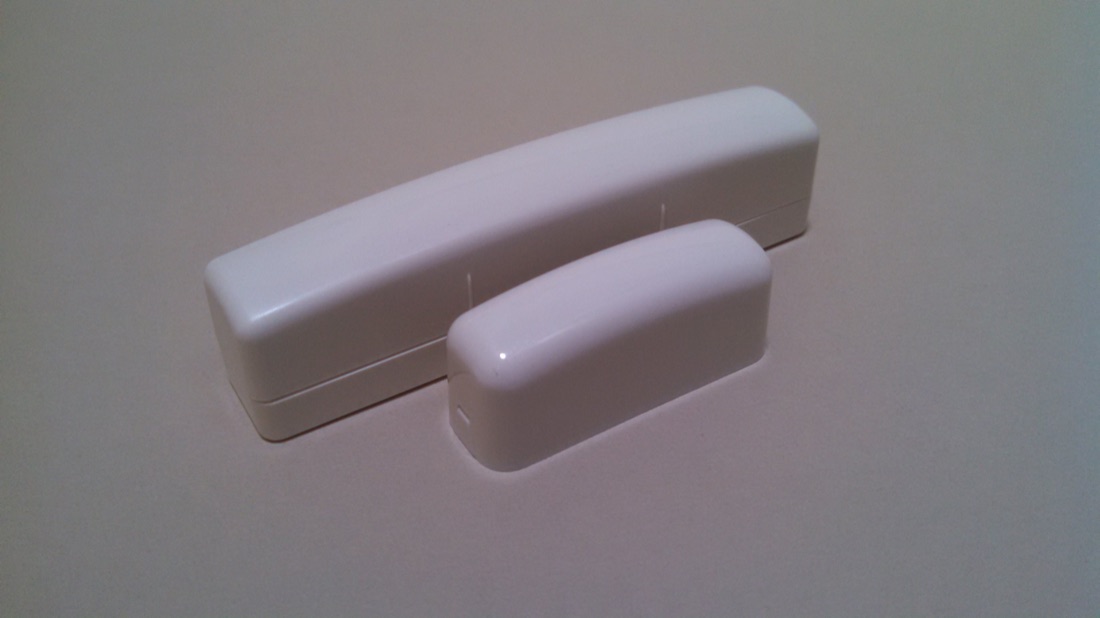 5820L
5820L
Door / Window Sensor
Thin bar-style wireless contact. Lithium only — never alkaline.
AAA Lithium Open Guide (PDF)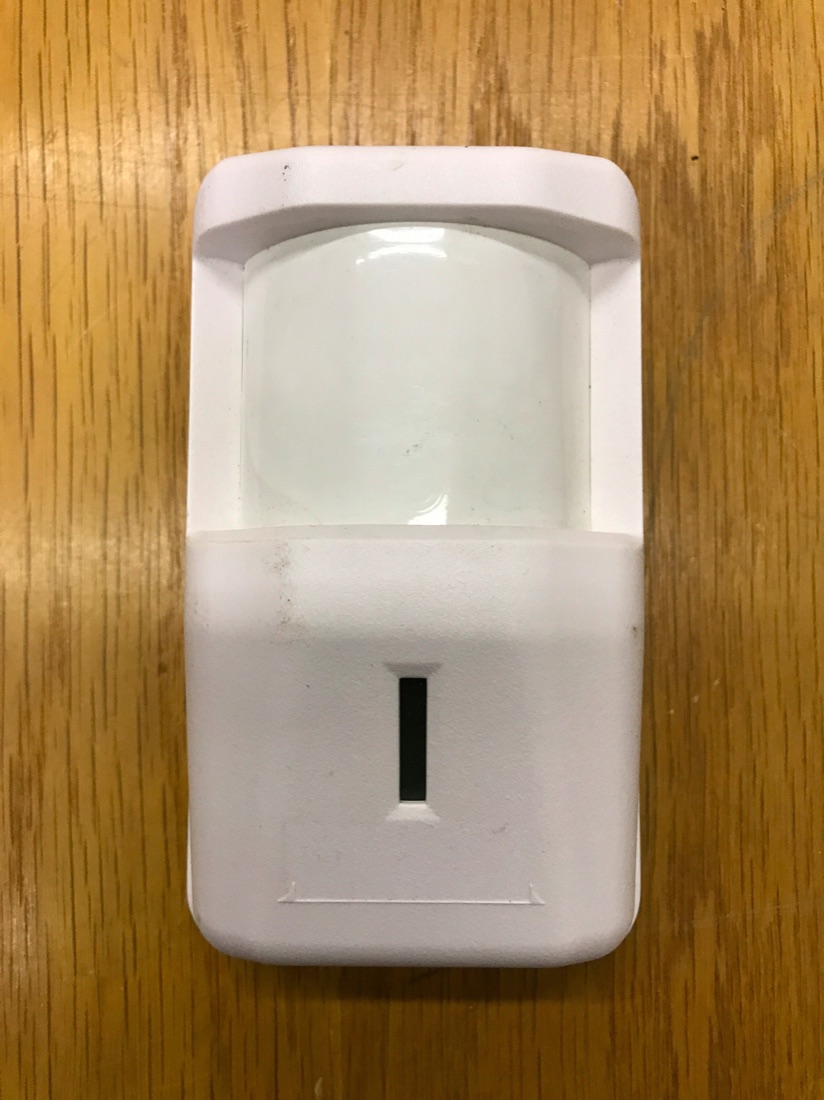 5890
5890
PIR Motion Detector
Wireless motion sensor — open the housing & swap the cells.
CR123A × 2 Open Guide (PDF)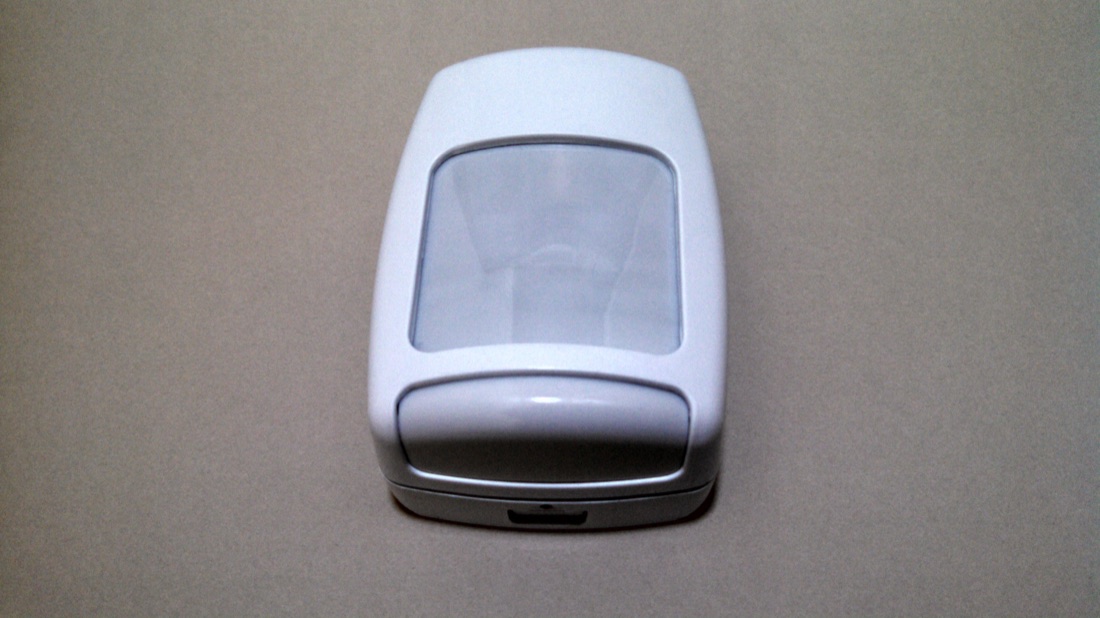
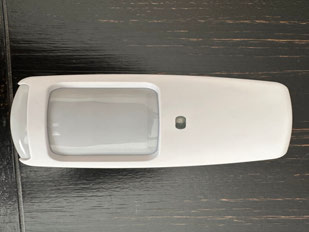 5898
5898
Motion Detector
Wide-angle wireless motion detector. Lithium only — never alkaline.
AA Lithium Open Guide (PDF)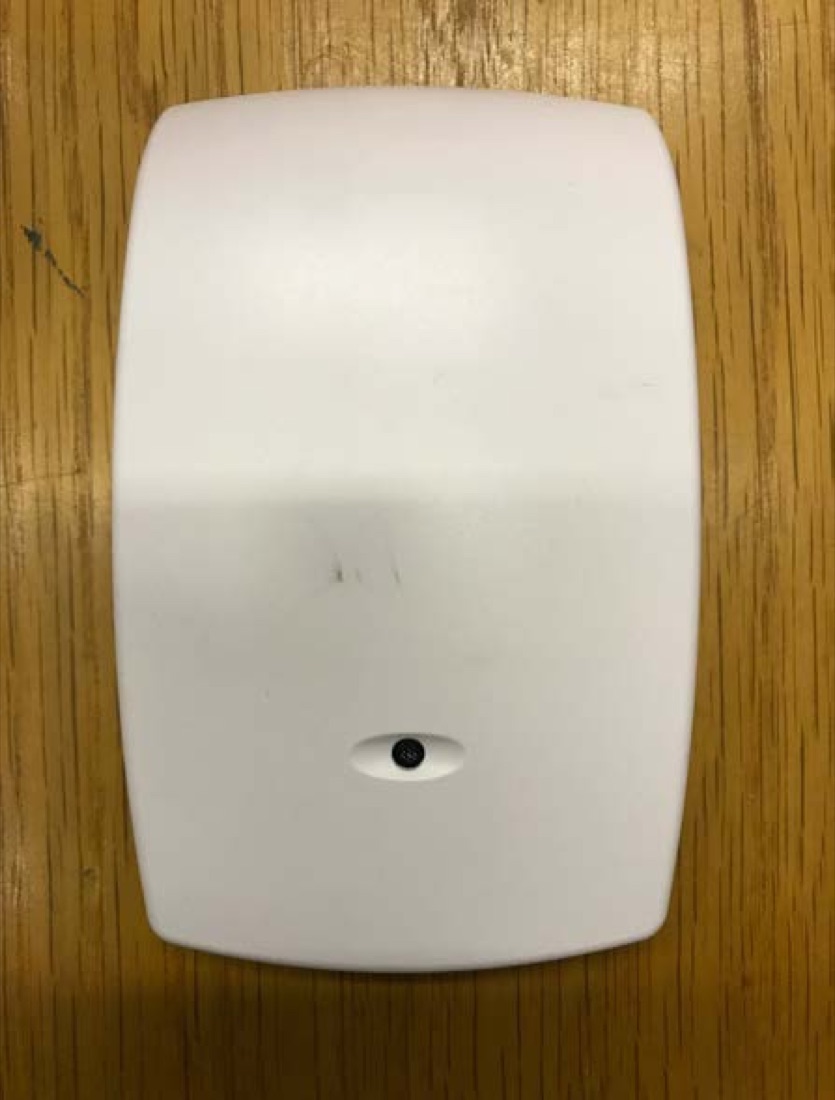 5853
5853
Glass Break Detector
Listens for breaking glass. Battery replacement guide.
CR123A Open Guide (PDF)
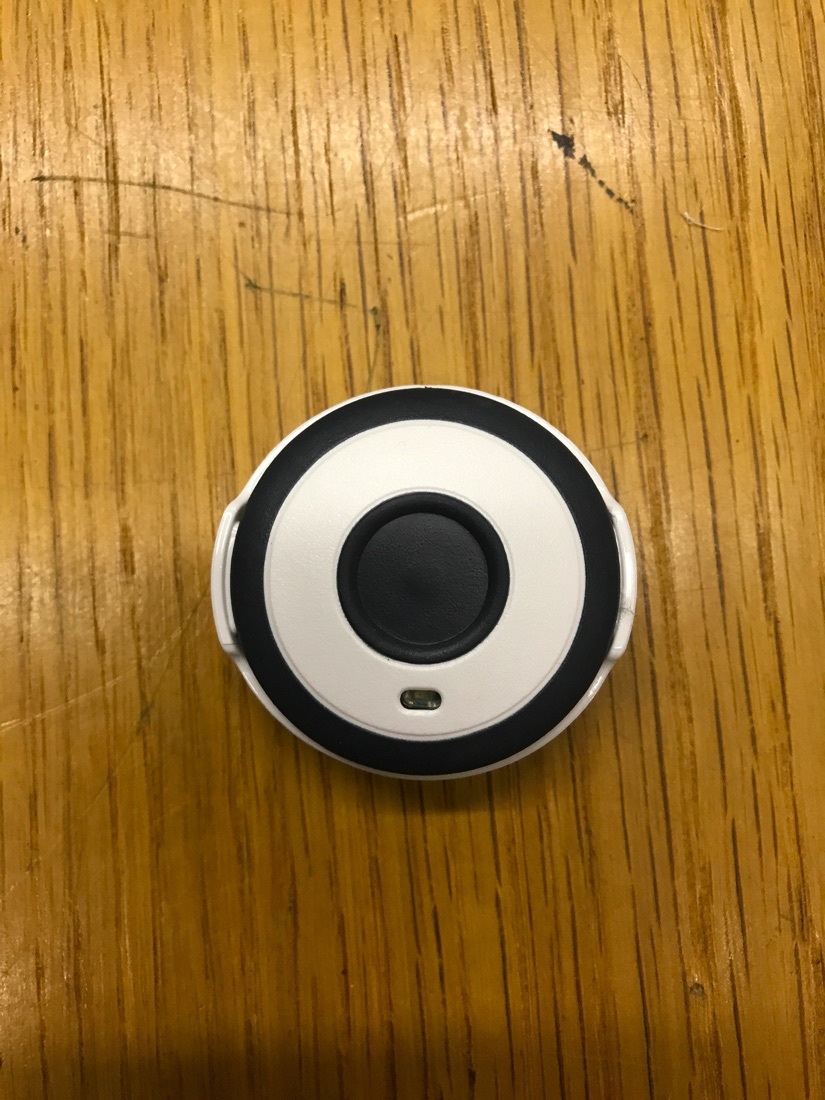
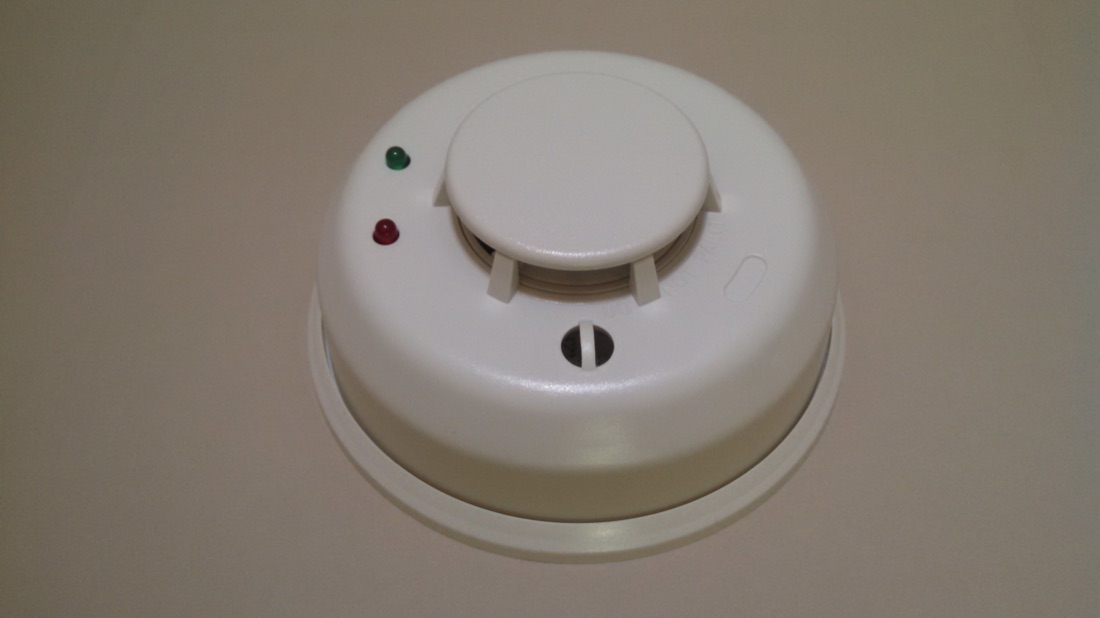 Smoke
Smoke
Wireless Smoke Detector
Fire/smoke sensor — change the battery safely & reset.
CR123A Open Guide (PDF)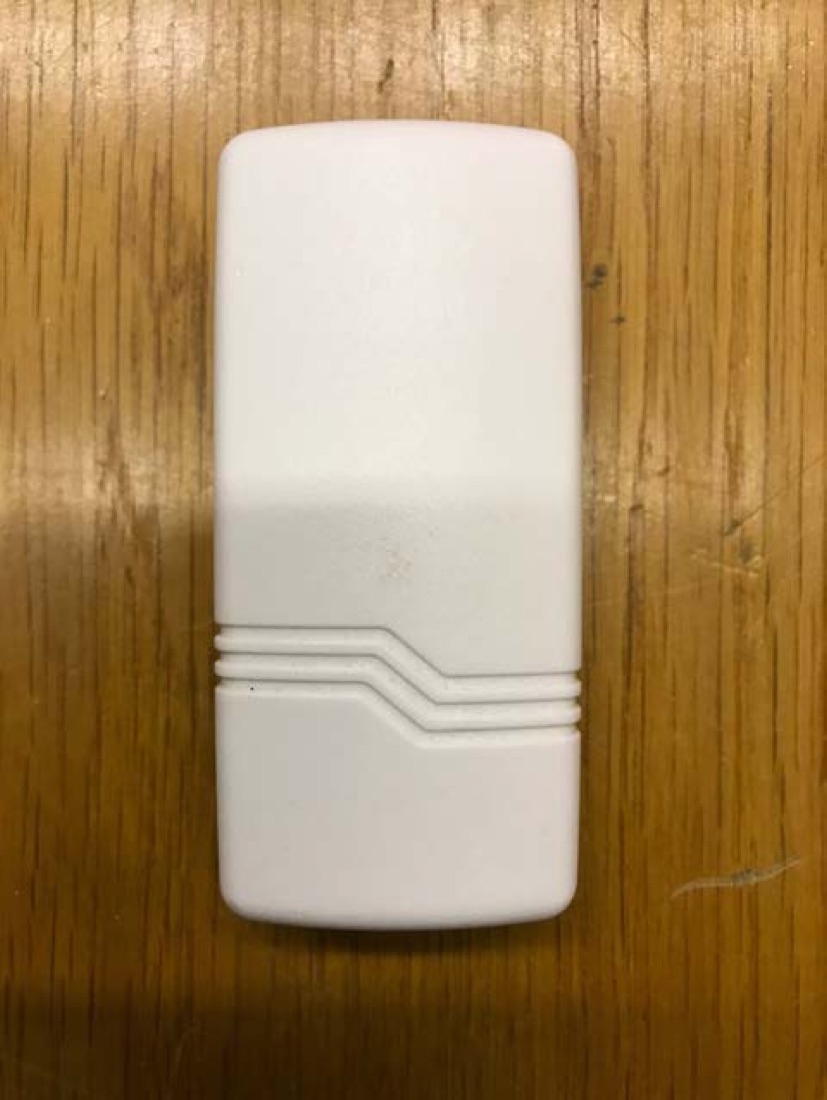
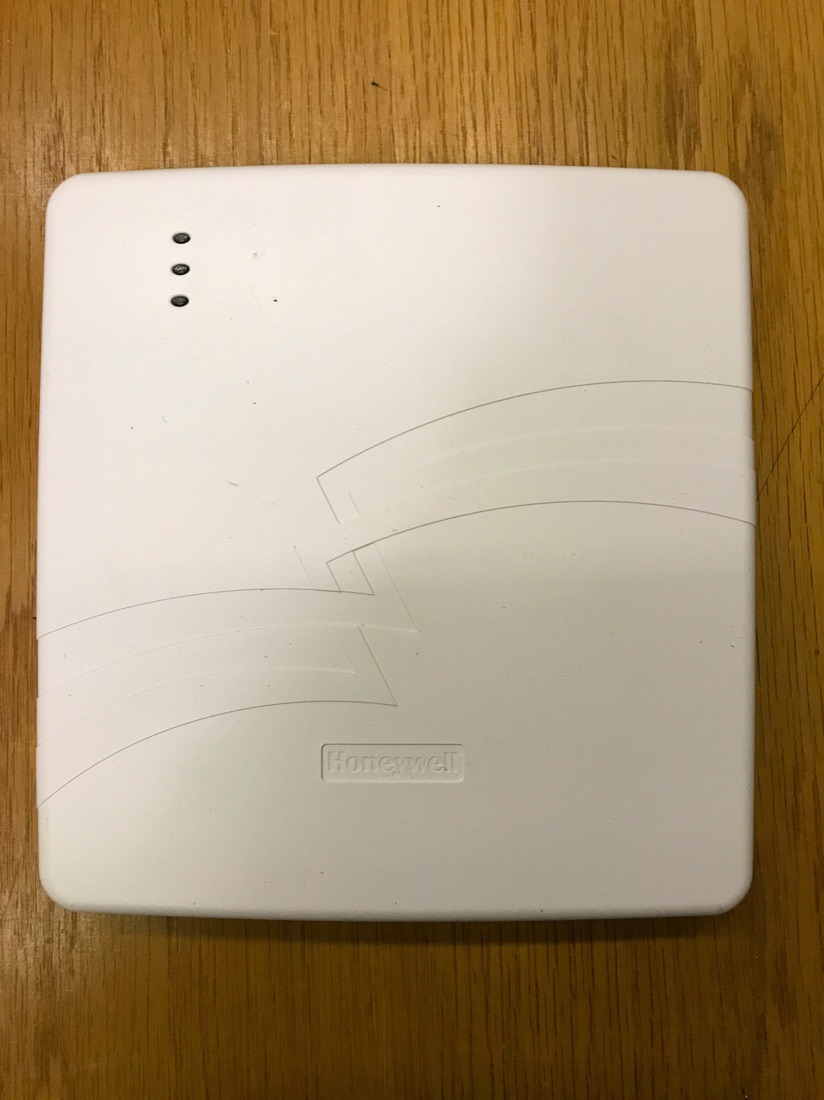 LTE
LTE
Cellular Communicator
Cellular backup communicator — replace the backup battery.
6V Sealed Lead-Acid Open Guide (PDF)Battery Types Chart
Not sure which battery you need? Quick reference for every APB sensor.
All battery types View Chart (PDF)No guide matches that search. Try a model number like “5816,” or contact us and we'll send it over.
Video Walkthrough
New to your touchscreen keypad? This short video shows how to navigate the basic functions of the Honeywell Home 6290 keypad.
Video courtesy of Resideo Customer Support.
Can't Find Your Device or Still Stuck?
We're adding new guides all the time. Tell us your model number and we'll send the right instructions — or our team can walk you through it over the phone.
Contact Our Support Team APB Security AI Assistant